Generate an API Key
Create an API key to authenticate the HiAUDIT Agent CLI on your machine.
Create an API key to authenticate the HiAUDIT Agent CLI on your machine.
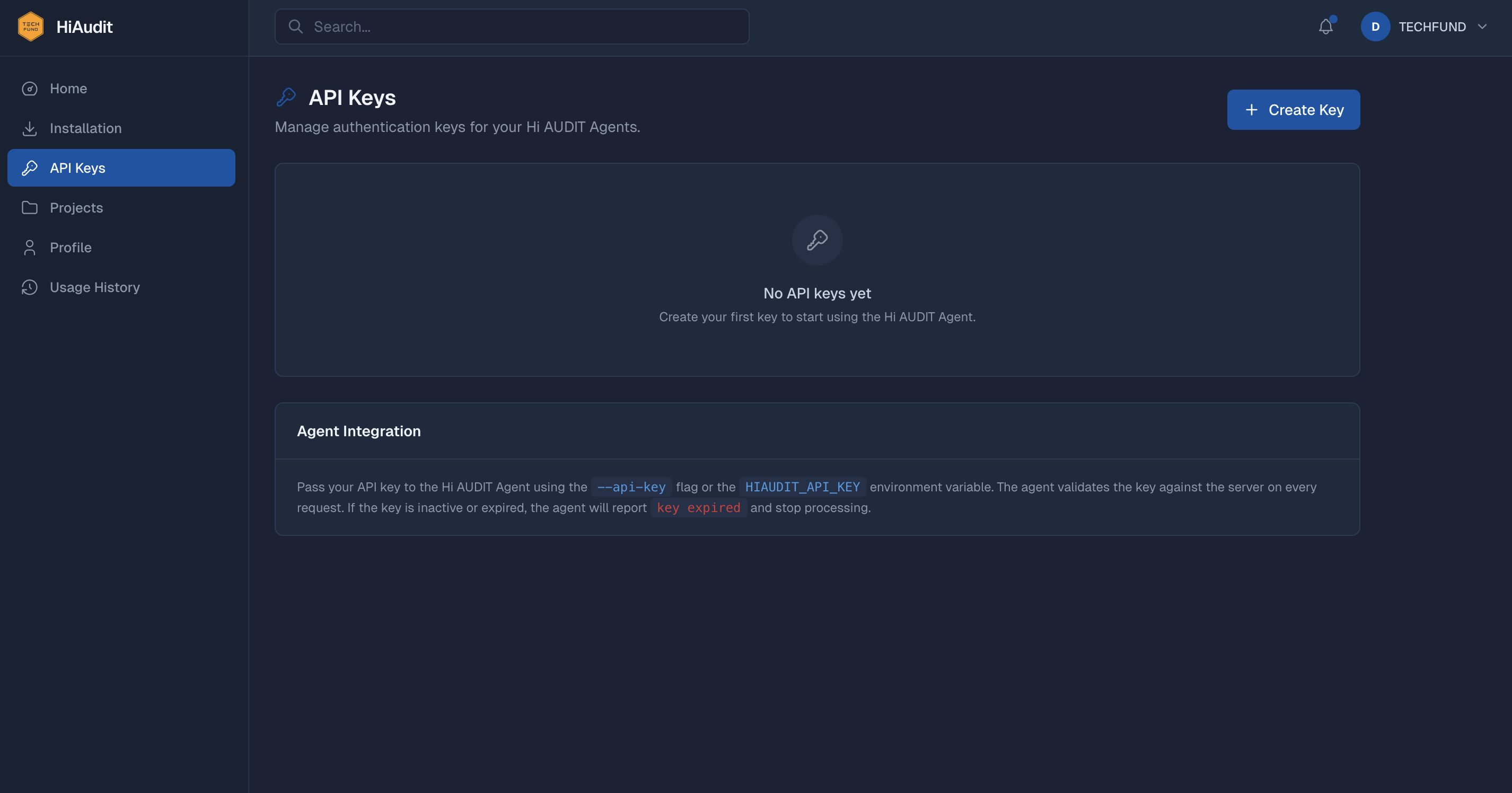
An API key authenticates the HiAUDIT Agent CLI on your machine. You need at least one active key before installing.
| Step | How |
|---|---|
| Open the API Keys page | Click API Keys in the left sidebar. |
| Click Create Key | Give it a descriptive name (e.g. “My Laptop”) and optionally set an expiry. |
| Copy the key immediately | The full key (starts with hiak_) is shown only once. Copy and save it securely. |
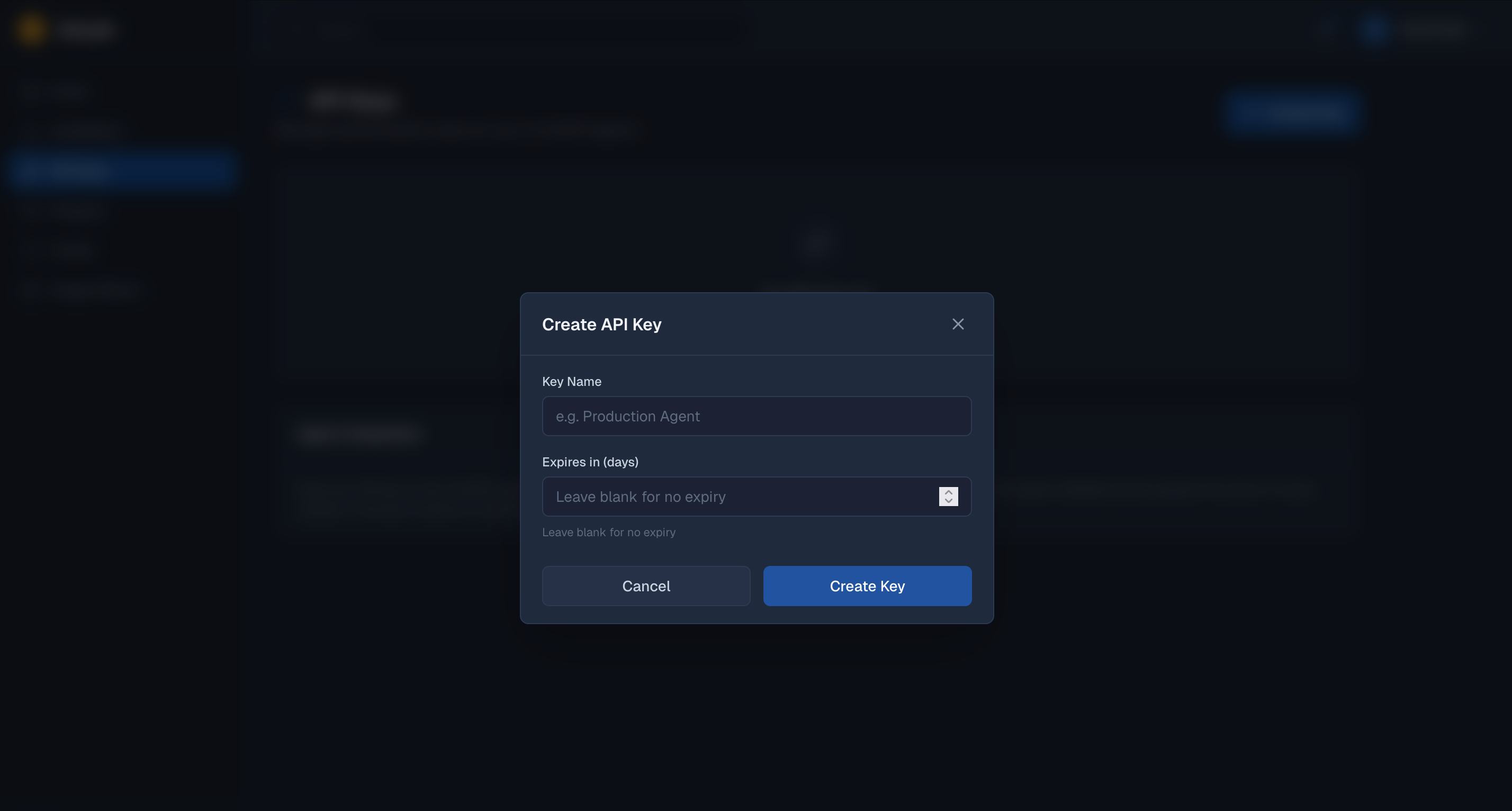
The full API key value is displayed only at creation time. If you lose it, you will need to create a new key.
Treat your API key like a password. Anyone with the key can run the agent under your account.
With your key copied, continue to install the HiAUDIT Agent.